[ TERM ]
Live remote terminal
Interactive PTY on your Mac. Type on your phone, resize columns/rows, run real shell sessions over a token-gated WebSocket.
Stax Link turns your iPhone into a real remote shell on your Mac — live PTY, project bookmarks, and Grok chat — over your private Tailscale network.
In-house we call it Terminal-App. Shipping name: Stax Link — phone client, Mac host, one private link.
Interactive PTY on your Mac. Type on your phone, resize columns/rows, run real shell sessions over a token-gated WebSocket.
Name a project, pin the host folder, save command snippets and file bookmarks. Open in terminal sets cwd and reconnects the shell.
Phone Chat hits the Mac host. By default it resumes a linked Grok Build session — same thread as your desktop, key never leaves the machine.
No public hole-punching for the terminal. Your phone and Mac join the same tailnet. The mesh is the boundary.
Start/stop host, simple QR setup, copy URL/token, pick screenshot inbox, set listen address — all from the Mac menu bar.
Grab a shot on the phone, push it over Tailscale into a Mac folder. Perfect for “look at this UI” loops with Grok on the host.
Host on Mac. Client on phone. Same tailnet. Scan a QR and you’re in.
Install Stax Link Host (menu bar). It opens a local control plane for shell, chat, and screenshots — token-gated on every request.
Mac + iPhone on one tailnet. Use MagicDNS or the 100.x address. That private path is how the phone reaches the host.
Menu bar → Simple Setup (QR). Phone scans, receives host URL + token, saves and tests. Shared session id keeps phone and desktop on the same shell room.
Matrix greens, monospace UI, dark surfaces — the app matches the site.
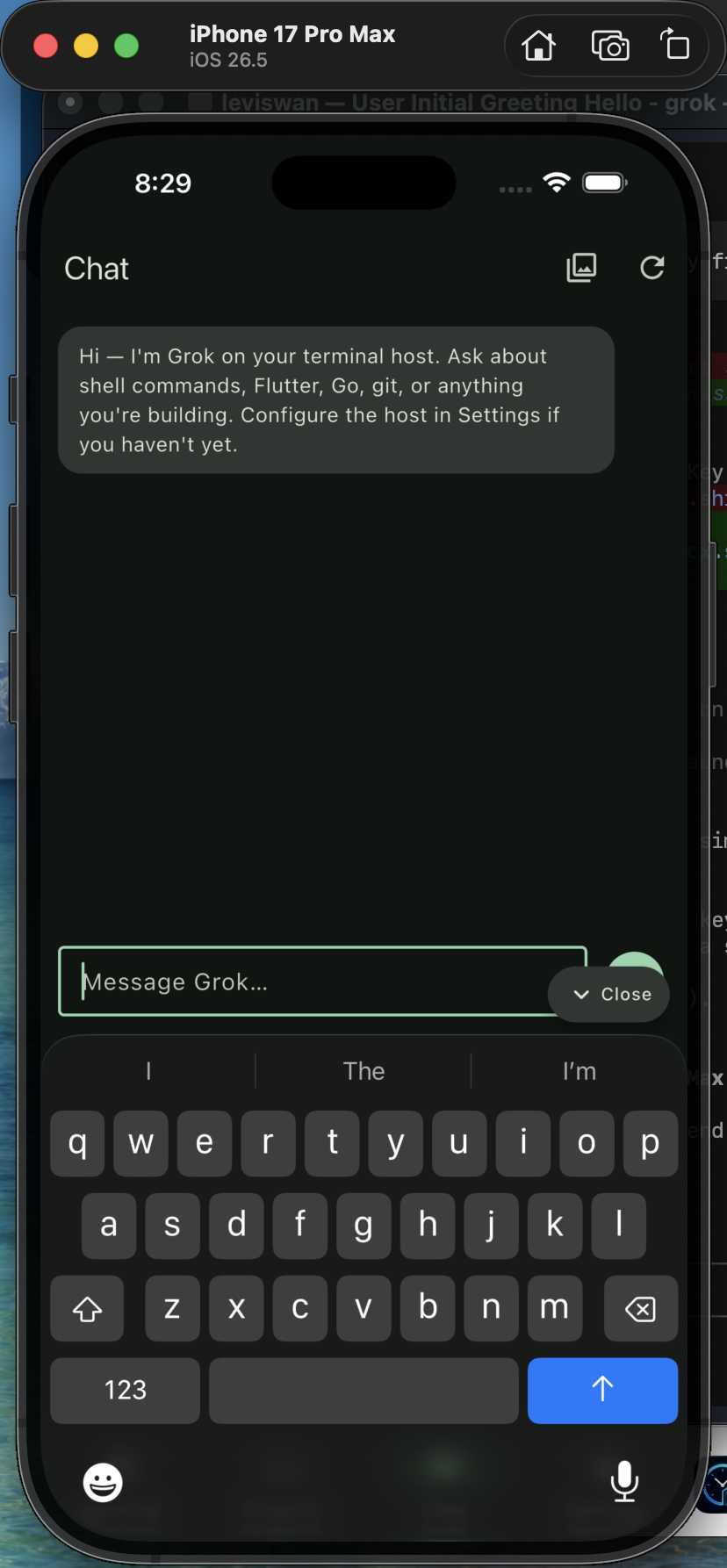
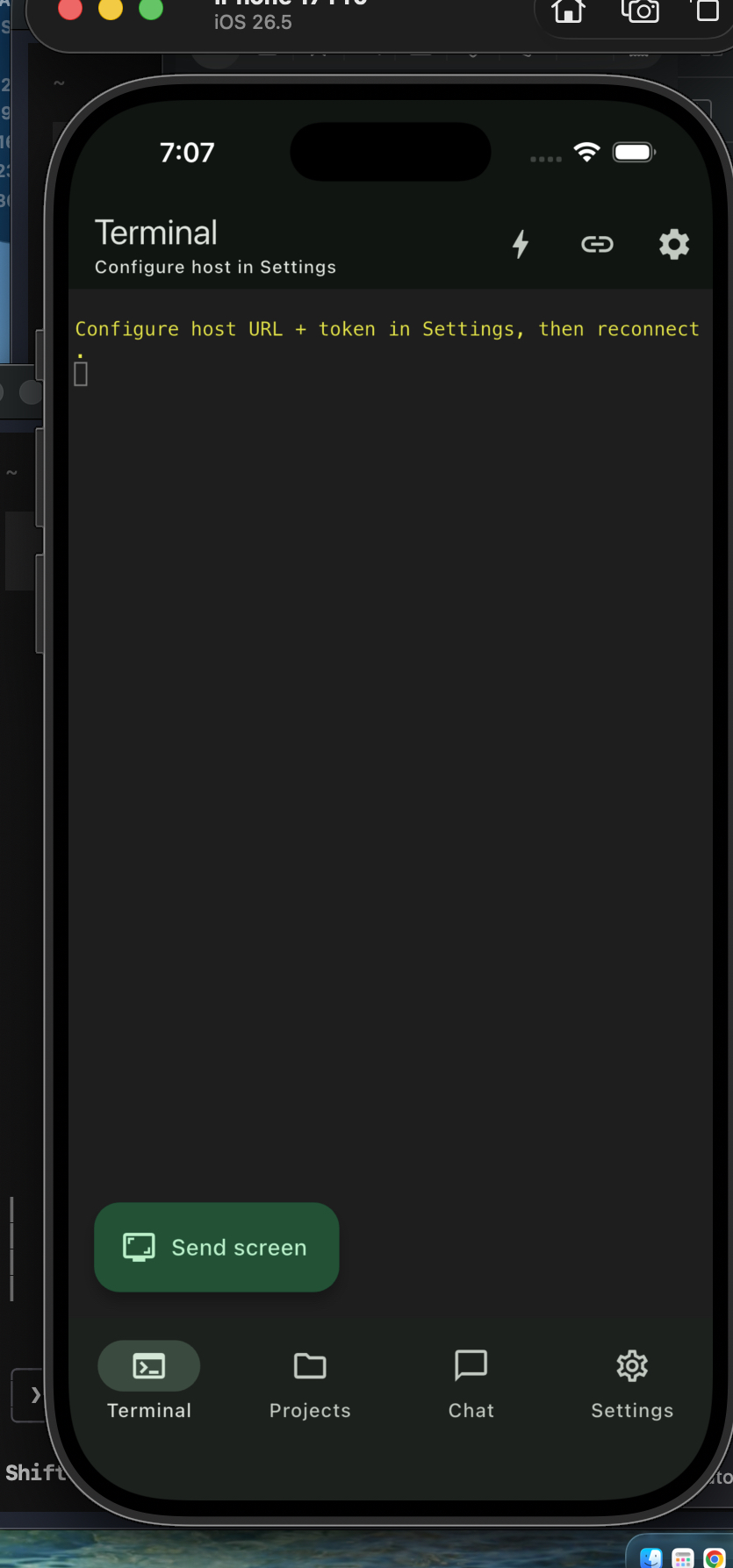
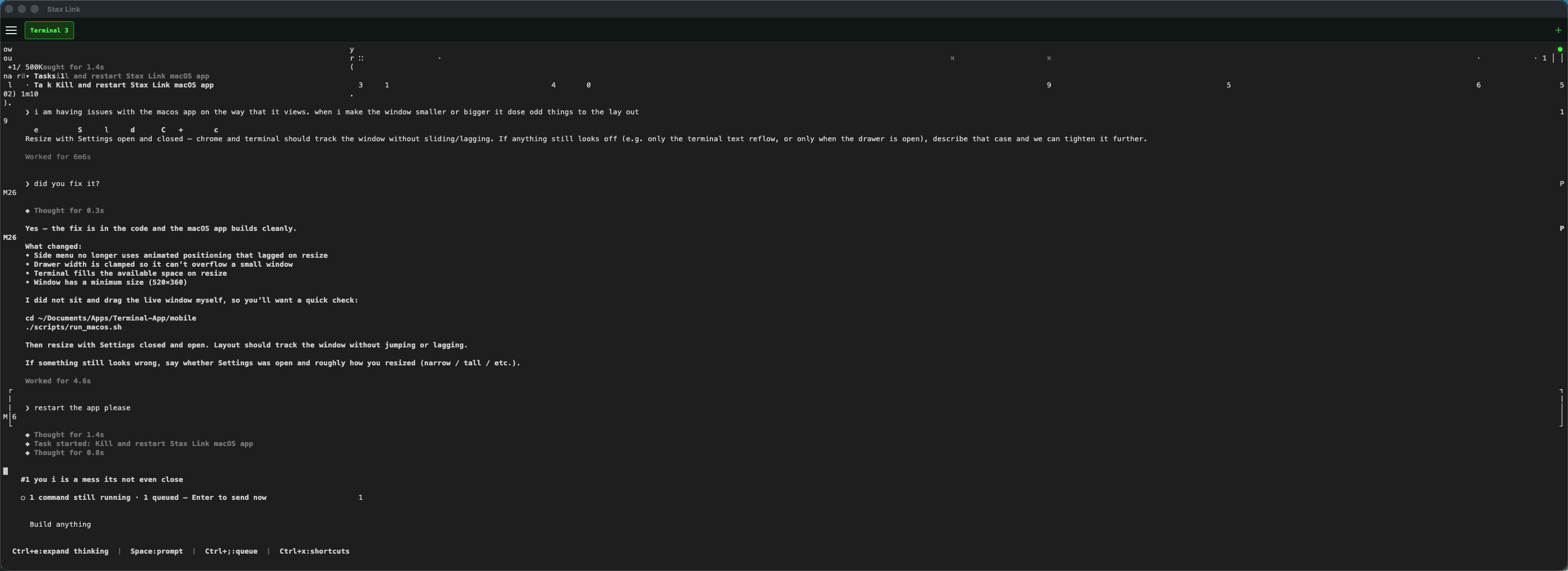
v1 security is simple and intentional: your mesh, your token, your host keys.
Terminal traffic stays on your tailnet. No public terminal port exposed for the happy path — the phone reaches the Mac as a private node.
Terminal and chat endpoints require a host token with constant-time compare. QR setup delivers URL + token in one scan.
xAI / Grok credentials live on the host only. The phone never needs your API key — it talks to the local host proxy.
Optional Rust security core later: keychain-backed secrets, stronger device binding, and tighter session controls.
NOTE: Stax Link is a remote shell into your machine. Treat the host token like a password. Only devices you trust should join the tailnet and hold the token.
Phone client · Mac host · private mesh.
| Piece | Stack | Role |
|---|---|---|
| Mobile | Flutter · iOS first | Terminal, projects, chat, setup QR |
| Host | Go + menu bar app | PTY shell, chat proxy, screenshots |
| Network | Tailscale | Private path phone ↔ Mac |
| Chat | Grok via host | Linked session or API backend |
| Security core | Rust (later) | Optional hardened secrets path |
Building in the open for people who want a real shell in their pocket — not a toy terminal skin.